![Vacation Rental Smart Locks [+ How to Automate Guest Access]](https://www.hostfully.com/wp-content/uploads/2026/01/Hostfully-stock-image-guests-opening-a-door-with-a-vacation-rental-smart-lock-1024x683.png)
TL;DR
Vacation rental smart locks replace physical keys and lockboxes with keypad codes that can be generated, scheduled, and expired automatically based on reservation data. The operational value is not the lock itself but the system behind it: a smart lock connected to property management software that creates unique guest codes at booking, activates them at check-in, and deactivates them at checkout. Property managers who automate access this way reduce late-night guest calls, eliminate shared-code security risks, and simplify staff and cleaner entry across multiple properties. The strongest setups connect smart locks directly to the PMS rather than managing codes through a separate standalone app.
If you manage door codes by hand, every reservation is another PIN to create, another message to send, and another thing to forget on a turnover day. The problems get real fast with this method too: A guest locked out at midnight. A cleaner using yesterday’s expired code. A previous guest walks back in with the same PIN from last month. According to the Hostfully 2025 Industry Survey, only 39% of multi-property managers have adopted unique-per-reservation PIN codes, leaving the majority still exposed to these problems at scale. This guide covers how vacation rental smart locks work, how to automate guest access across Airbnb, Vrbo, and direct bookings, what to look for when choosing a system, and what to avoid.
What are vacation rental smart locks (and how are they different from regular smart locks)?
A vacation rental smart lock is an electronic door lock designed for properties where guests rotate frequently and access needs change with every reservation. Unlike a residential smart lock that a homeowner controls from their phone, a vacation rental smart lock needs to handle unique codes per guest, scheduled access windows, and integration with booking software.
The most common types break down by how they connect and communicate.
⚙ Keypad locks
PIN codes punched in at the door. No WiFi or smartphone required but no internet connectivity either. Basic models need manual code changes; smarter versions connect to software for remote updates.
Kwikset SmartCodeSchlage keypad
📶 WiFi smart locks
Remote code management from anywhere. Create, change, and expire codes without being on-site. Real-time syncing with property management software, no hub required.
Schlage Encode PlusYale Assure Lock 2
📱 Bluetooth smart locks
Proximity-based unlocking via smartphone app. Works well for homeowners but can create friction for guests who do not want to download an app. Some models add a keypad backup.
August WiFi Smart LockIgloohome
🔧 Retrofit smart locks
Attach to the interior side of an existing deadbolt, leaving exterior hardware unchanged. Useful for condos, HOA-restricted buildings, or properties where owners cannot replace door hardware.
AugustSwitchBot Lock
📡 Z-Wave and Zigbee locks
Low-power wireless protocols that require a hub or bridge to connect to the internet. Reliable and energy-efficient but add hardware complexity that WiFi locks avoid.
Yale Assure (Z-Wave)Kwikset (Z-Wave)
🔒 Lockboxes (not smart locks)
Stores a physical key behind a shared combination code. Cannot generate unique codes per guest, cannot expire access automatically, and cannot log entries. Cheap and simple, but it introduces security and guest experience problems.
Manual code onlyNo PMS integration
Why do property managers replace keys and lockboxes with smart locks?
The short answer: fewer problems and less manual work at every stage of the guest’s stay.
Physical keys get lost, copied, and never returned. Lockboxes use shared codes that previous guests can reuse weeks later. Both require someone to be physically present or available to solve access issues. Smart locks remove all three pain points.
Here is how the options compare for vacation rental operations.
| Access method | Best for | Pros | Cons |
|---|---|---|---|
| Physical keys | Owner-operated single rentals | Simple, no tech needed | Easy to lose, hand-off coordination with the guest |
| Lockboxes | Basic self-check-in | Low cost, familiar to guests | Shared code risk, manual updates, still requires a key |
| Keypad-only locks | Simple keyless entry | No key needed, easy for guests | May still require manual code changes, single PIN codes create security challenges |
| Smart locks | Remote-managed rentals | Remote control, access logs, code automation, and unique PINs for each guest | Requires setup and connectivity, manual adjustments if not connected to a PMS |
| PMS-integrated smart locks | Professional multi-property operations | Reservation-based automation, centralized management, and unique PINs for each guest | Requires compatible PMS and device setup |
For managers running more than a handful of properties, the lockbox-to-smart-lock upgrade is not really about the lock. It’s about removing a daily tax on time you. Every code you don’t have to create, send, and expire by hand is time returned to the parts of your business that actually grow revenue.
How does automated guest access actually work?
Automated guest access connects your reservation data to your door locks so that codes are created, shared, activated, and expired without manual intervention. Here is the typical workflow when everything is connected properly.
- Step 1: A reservation is created (from Airbnb, Vrbo, Booking.com, a direct booking, or a manual entry in your PMS).
- Step 2: Your property management software detects the new booking and triggers the smart lock system to generate a unique access code for that reservation.
- Step 3: The code is included in the guest’s pre-arrival message, either through automated messaging in your PMS or through the property’s digital guidebook.
- Step 4: The code activates at check-in time. The guest punches it in and enters. No key, no lockbox, no phone call.
- Step 5: The code expires at checkout (or a short buffer after, so guests who forget something are not immediately locked out).
- Step 6: Cleaner and maintenance codes operate on separate schedules, managed independently from guest codes.
- Step 7: Access logs record who entered and when, giving managers a trail for troubleshooting.
This workflow is the same regardless of which booking channel the reservation came from. That is the key point for professional managers: if your lock system automates only one channel, you are still doing manual work on the others. Stephanie, a Hostfully customer managing 25 properties across Tallahassee, FL and Lake Martin, AL, described the shift in a recent Hostfully roundtable: she used to manage lock codes by hand at seven or eight properties and called it “a lot.” Once she scaled past 20 properties across two markets, she automated code delivery through Hostfully Devices. Her take: “One that’s pretty simple, but that I love and was a game changer was just your devices integration with all the locks and getting all the codes sent out. And I mean, it’s like clockwork.”
Hostfully 2025 Industry Survey
Managers running direct booking programs are 2x more likely to adopt dynamic PIN technology than those relying solely on OTA channels. And 21% of operators rank smart locks and devices as a top-three tech tool they want to explore in 2026.
What should you look for in a vacation rental keyless entry system?
Not every smart lock works well in a vacation rental. The features that matter to a homeowner (phone-based unlock, voice assistant integration) differ from those that matter to a property manager running multiple units with rotating guests.
Here is what to prioritize.
Guest-facing requirements
Keypad entry (no app download required), unique codes per reservation, scheduled code activation and expiration, and a backup entry method in case of battery or connectivity failure. Guests should be able to enter with a code and nothing else.
Manager-facing requirements
Remote code management, battery level alerts, access audit logs, separate staff and cleaner codes, multi-property management from a single dashboard, and compatibility with your property management software. If the lock cannot connect to your PMS, you are adding another standalone tool to manage instead of reducing your workload.
Hardware requirements
Weather resistance for exterior doors, compatibility with your existing door type and deadbolt, reliable offline access (the lock should still accept keypad codes even if WiFi drops), and battery life that lasts through a full season without constant replacement.
The single most important criterion for a professional operation: does the lock integrate with your existing reservation and messaging workflow? A lock with twenty features that operates in its own silo creates more work, not less.
Best smart locks for vacation rentals and Airbnb properties
There is no single “best” smart lock for every vacation rental. The right choice depends on your door type, your connectivity setup, your PMS, and how many properties you manage. Rather than ranking locks from one to ten, the more useful framework is matching the lock category to your operation.
| Category | Best for | Common options | Why it matters |
|---|---|---|---|
| Best WiFi smart lock | Most vacation rental hosts | Schlage Encode Plus, Yale Assure Lock 2 (WiFi) | Direct remote code management without a hub; real-time syncing with PMS |
| Best keypad lock | Simple self check-in, budget setups | Kwikset SmartCode 914/916, Schlage keypad deadbolts | Guest-friendly (no app needed), straightforward installation |
| Best retrofit lock | Condos, HOA restrictions, owner constraints | August WiFi Smart Lock, SwitchBot Lock | Keeps existing exterior deadbolt; installs on interior side only |
| Best PMS-integrated setup | Professional multi-property managers | Compatible lock + Hostfully Devices (or equivalent PMS device layer) | Reservation-triggered codes, centralized management, no middleware |
| Best backup option | Redundancy for any setup | Lockbox or keyed override cylinder | Protects against battery failure and connectivity loss |
Notes on commonly used lock brands
Schlage Encode Plus. Built-in WiFi with no hub required. Supports Apple Home Key in addition to keypad codes. The Encode series is one of the most popular choices among vacation rental managers because of its durability, wide PMS compatibility through integration platforms, and straightforward remote code management. Available in multiple finishes.
Yale Assure Lock 2. Modular design that supports WiFi, Bluetooth, Z-Wave, or Zigbee depending on which module you install. The WiFi version works without a hub for remote management. Yale is well-regarded for its touchscreen keypad and compatibility with a wide range of smart home platforms and PMS integration tools.
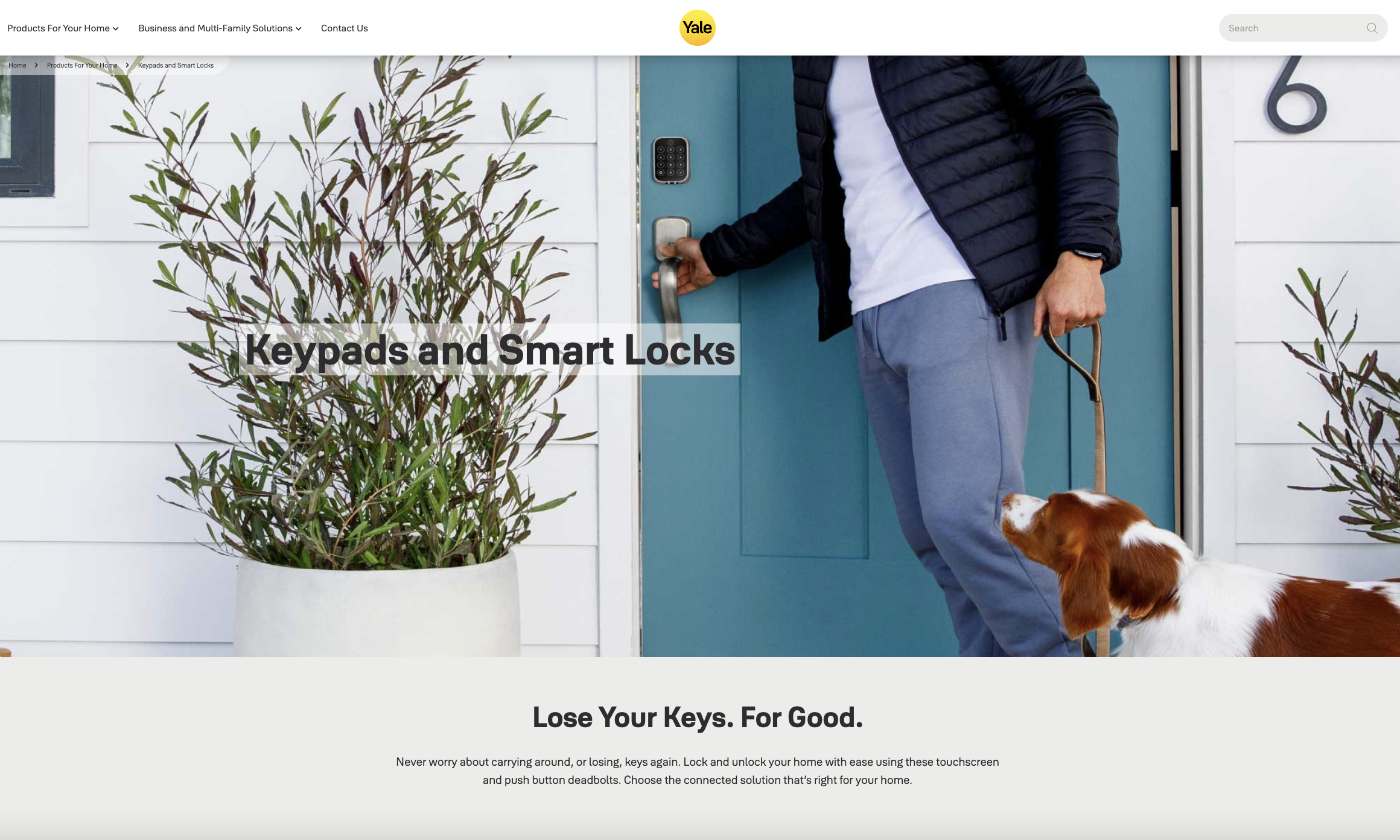
August WiFi Smart Lock. A retrofit lock that attaches to the interior side of an existing deadbolt, leaving the exterior hardware unchanged. Built-in WiFi eliminates the need for a bridge device. A common choice for condos and properties where exterior hardware cannot be modified. The main limitation for vacation rentals: it does not have a built-in keypad, so guests need the app or a separate keypad accessory.
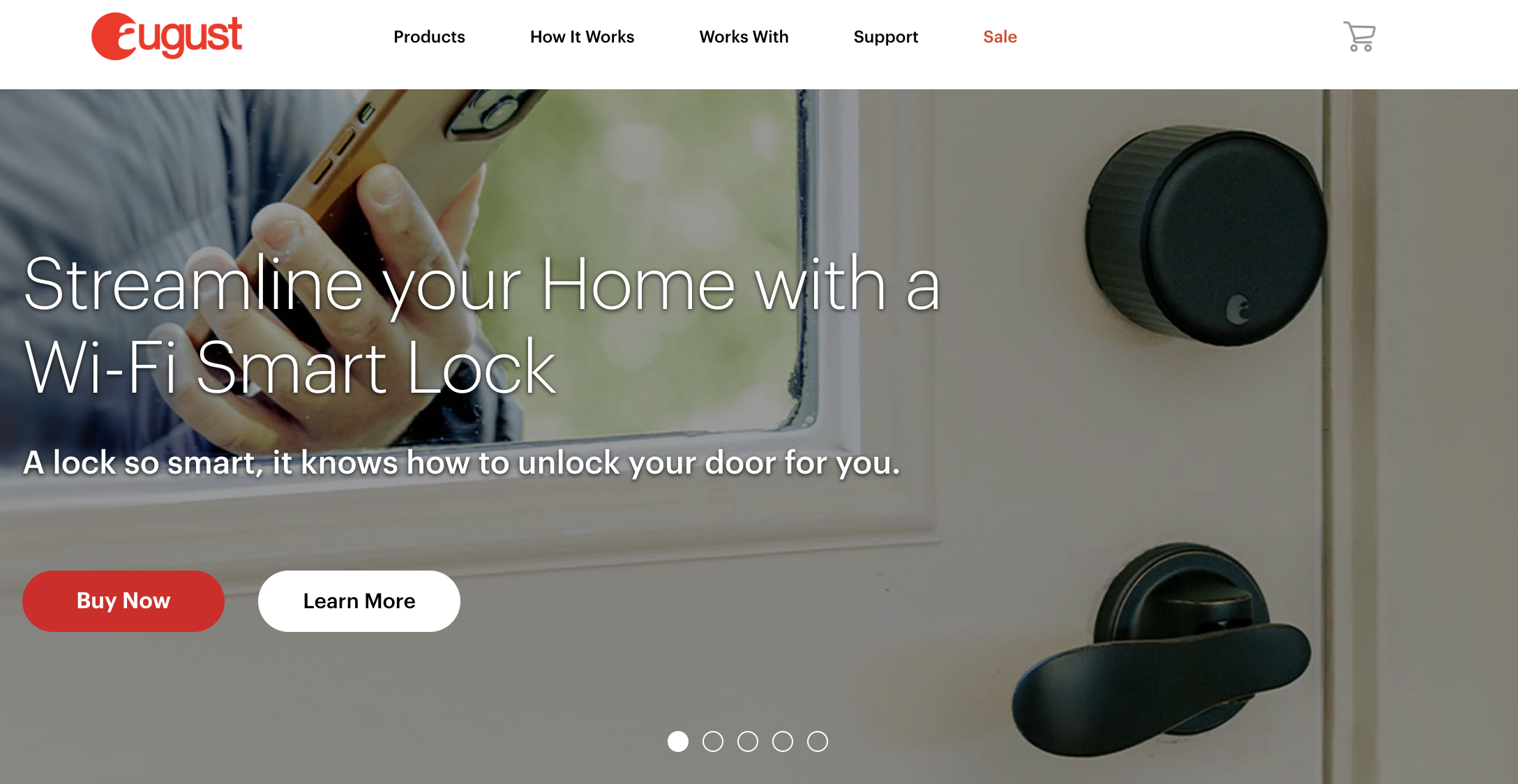
Kwikset SmartCode and Halo series. Kwikset offers both basic keypad locks (SmartCode) and WiFi-enabled models (Halo). SmartCode locks are among the most affordable keypad options and work well for hosts who want simple keyless entry without full smart lock features. The Halo series adds remote access and is compatible with multiple PMS integration platforms.
Schlage keypad deadbolts. For hosts who want a durable keypad lock without WiFi or smart features, Schlage’s non-connected keypad deadbolts are a reliable baseline. They require manual code changes but are virtually bulletproof for hardware reliability. A reasonable starting point for solo hosts with one or two properties.
Igloohome. Designed specifically for short-term rental access management. Igloohome locks generate PIN codes using an algorithm that does not require constant internet connectivity, which makes them useful for remote properties with unreliable WiFi. They integrate with several PMS platforms and Airbnb directly.
Nuki. A popular option in European markets. Nuki retrofit locks work with Euro-profile cylinders, which are standard in most European doors. Worth considering if you manage properties outside North America.
Eufy smart locks. A newer entrant with competitive pricing and solid build quality. Eufy’s fingerprint-enabled models are gaining traction, though PMS integration options are currently more limited than Schlage, Yale, or Kwikset.
The lock brand matters less than what it connects to. A Schlage Encode and a Yale Assure Lock 2 are both excellent hardware. The deciding factor for a professional vacation rental operation is usually which lock is compatible with your PMS or integration platform, not which lock has the highest consumer rating.
How do Airbnb smart locks work for self check-in?
Airbnb has a built-in self-check-in setting that lets hosts specify how guests enter the property. Selecting “smart lock” as the check-in method tells guests they will receive a code, and Airbnb may feature the listing more prominently to travelers who filter for self-check-in. Setting this up correctly matters for both search visibility and guest expectations.
Here is how the typical Airbnb smart lock check-in workflow works.
The host enables self-check-in in the Airbnb listing settings and selects “smart lock/keypad” as the access method. When a reservation is confirmed, the host (or the host’s PMS) generates a unique code for that guest. The code and any access instructions are shared through Airbnb messages or through a separate guest communication tool before arrival. The guest arrives, enters the code on the keypad, and checks in without waiting for anyone.
That workflow is straightforward for a single Airbnb listing. The problem surfaces when a manager also takes bookings from Vrbo, Booking.com, and direct booking channels. Each platform has its own messaging system, check-in settings, and guest communication flow. A smart lock that only automates Airbnb codes still leaves the manager creating and sending codes manually for every other channel.
What Airbnb-native access does not cover
Airbnb’s built-in tools handle the listing-level check-in setting and basic guest messaging. They don’t generate unique door codes, schedule code activation and expiration, manage staff or cleaner access, or connect to your lock hardware. For those functions, you need either an integration platform or a PMS with built-in device management.
This is why “Airbnb smart lock” searches often lead managers to discover they need a system-level solution, not a platform-specific one. The access challenge is the same regardless of where the booking originated. A PMS-connected smart lock handles unique codes, activation, expiration, and guest messaging identically across every channel.
What changes when smart locks are set up properly
Guests arrive on their own schedule, including late at night, without waiting for a host or key handoff. Access instructions can be personalized with the guest’s name, their specific code, and the property address. Failed check-ins drop because the code is already active and tested. The overall impression is more professional, which shows up in reviews.
The guest experience improves most when three things are consistent: the code works, the timing is right, and the instructions are clear. A smart lock alone does not fix check-in friction if the guest receives their code late, gets confusing directions, or arrives to find the code has not activated yet.

What are the most common smart lock setup mistakes?
Smart locks save time when they are set up correctly. When they are not, they create a different category of problems. These are the most common mistakes, ordered by impact.
Using one shared code for every guest security risk
The lockbox problem dressed up in smart lock hardware. If every guest gets the same code, you lose unique access and automatic expiration. Previous guests can still enter weeks later.
Not expiring codes after checkout security risk
A code that stays active after checkout is an open door. Set expiration one to two hours after checkout, giving guests a buffer for forgotten items without leaving permanent access open.
Choosing hardware before checking software compatibility costly
The best-reviewed smart lock on Amazon may not integrate with your PMS. Always verify software compatibility before purchasing. Hardware first, software second is the most expensive mistake on this list.
Relying only on WiFi without a backup plan operational
WiFi goes down. Power goes out. If the lock cannot accept a keypad code offline, your guest is locked out and calling you. Choose locks that store codes locally.
Forgetting staff and vendor access operational
Guest codes get all the attention, but cleaners, maintenance workers, and inspectors also need entry on different schedules. Build separate staff codes from the beginning.
Managing codes manually across too many properties scaling wall
Manual code management works at three properties. At ten, it is fragile. At twenty-plus, it breaks. The question is not whether something will go wrong, but when.
Not checking batteries proactively preventable
Most smart locks provide low-battery alerts. Build battery checks into your turnover checklist before a dead lock turns into a midnight emergency.
How do smart locks connect to property management software?
This is where the operational difference between a smart lock and a smart lock system becomes clear. A standalone smart lock can be controlled from an app. A PMS-integrated smart lock runs on reservation data.
When the lock connects to your property management software, codes are generated from booking data, not typed in by hand. Check-in and checkout times drive activation and expiration. Guest messaging pulls the code automatically. You manage access from the same dashboard where you manage reservations, not from a separate app with a separate login.
For multi-property managers, this integration is what makes smart lock automation actually scale. Without it, every new property is another app to check, another set of codes to manage, and another potential point of failure.
There are two paths to connecting your smart locks to your PMS, and understanding the difference matters before you buy hardware or commit to a platform.
Path 1: Third-party integration platforms
These are software layers that sit between your lock hardware and your PMS. You connect the lock to the platform, and the platform connects to your PMS. The integration platform handles code generation, scheduling, and delivery. Several have become well-established in the vacation rental industry.
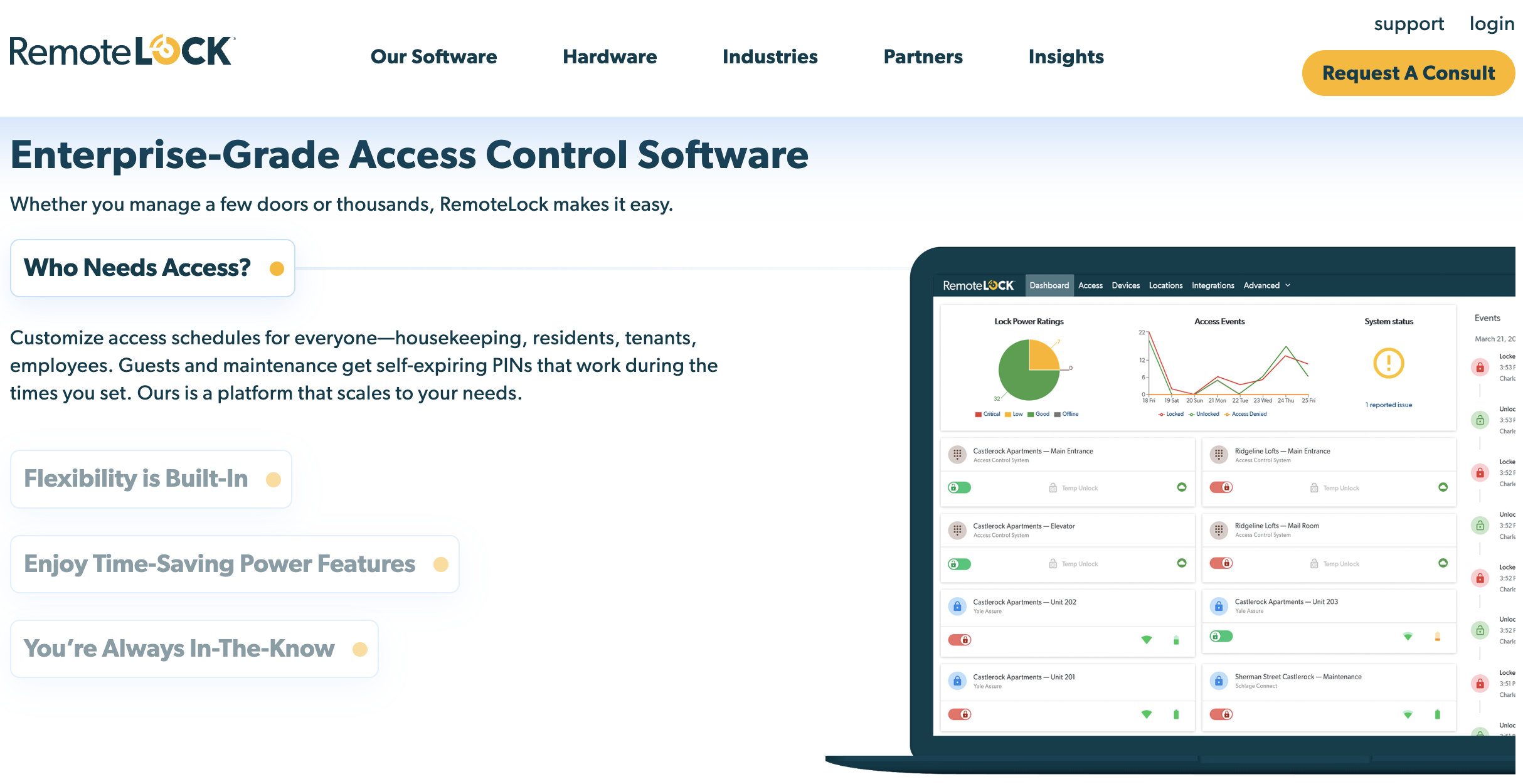
RemoteLock provides a software interface for managing access codes, tracking entry and exit logs, and monitoring battery levels across a wide range of compatible lock brands. It integrates with multiple PMS platforms including Hostfully, Guesty, and Track.
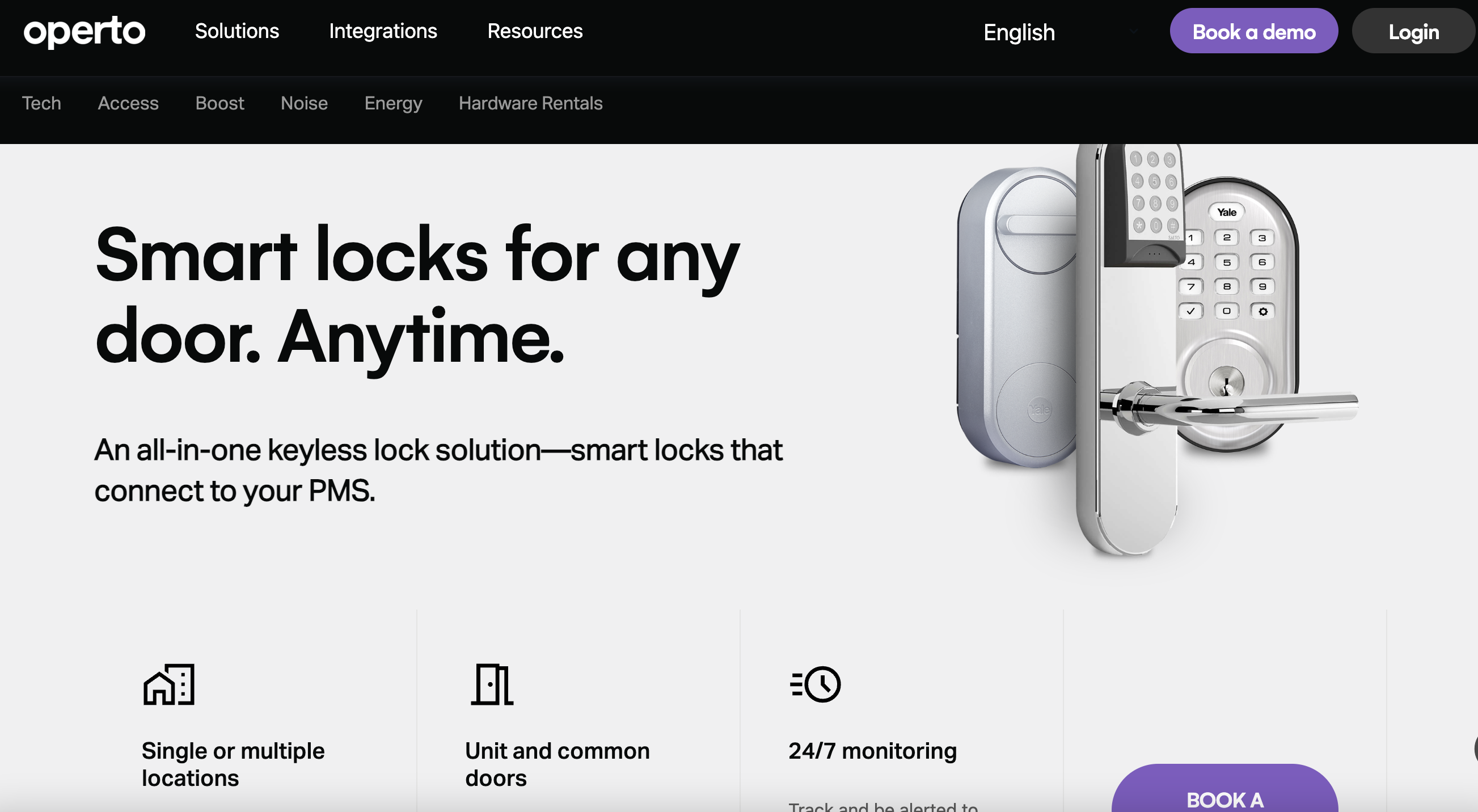
Operto specializes in smart lock integration with leading PMS platforms and offers automated check-in and checkout workflows, guest communication tools, and real-time access monitoring.
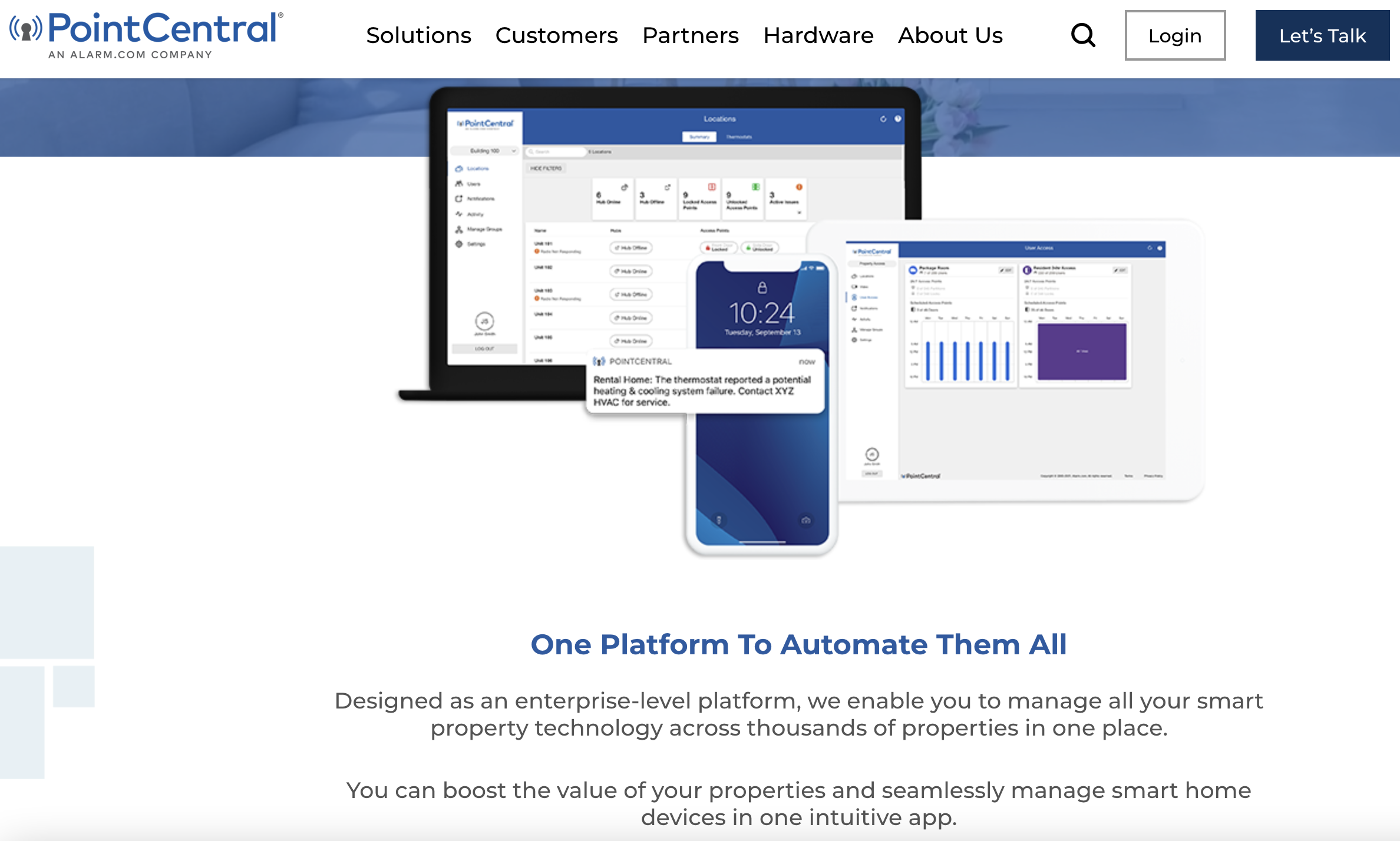
PointCentral offers a comprehensive smart lock and smart home integration platform, allowing managers to create and manage access codes, track entry logs, and customize access schedules for guests and staff.
Lynx provides a platform for generating unique access codes, monitoring property access activity, and controlling other smart devices like thermostats and lights alongside your locks.
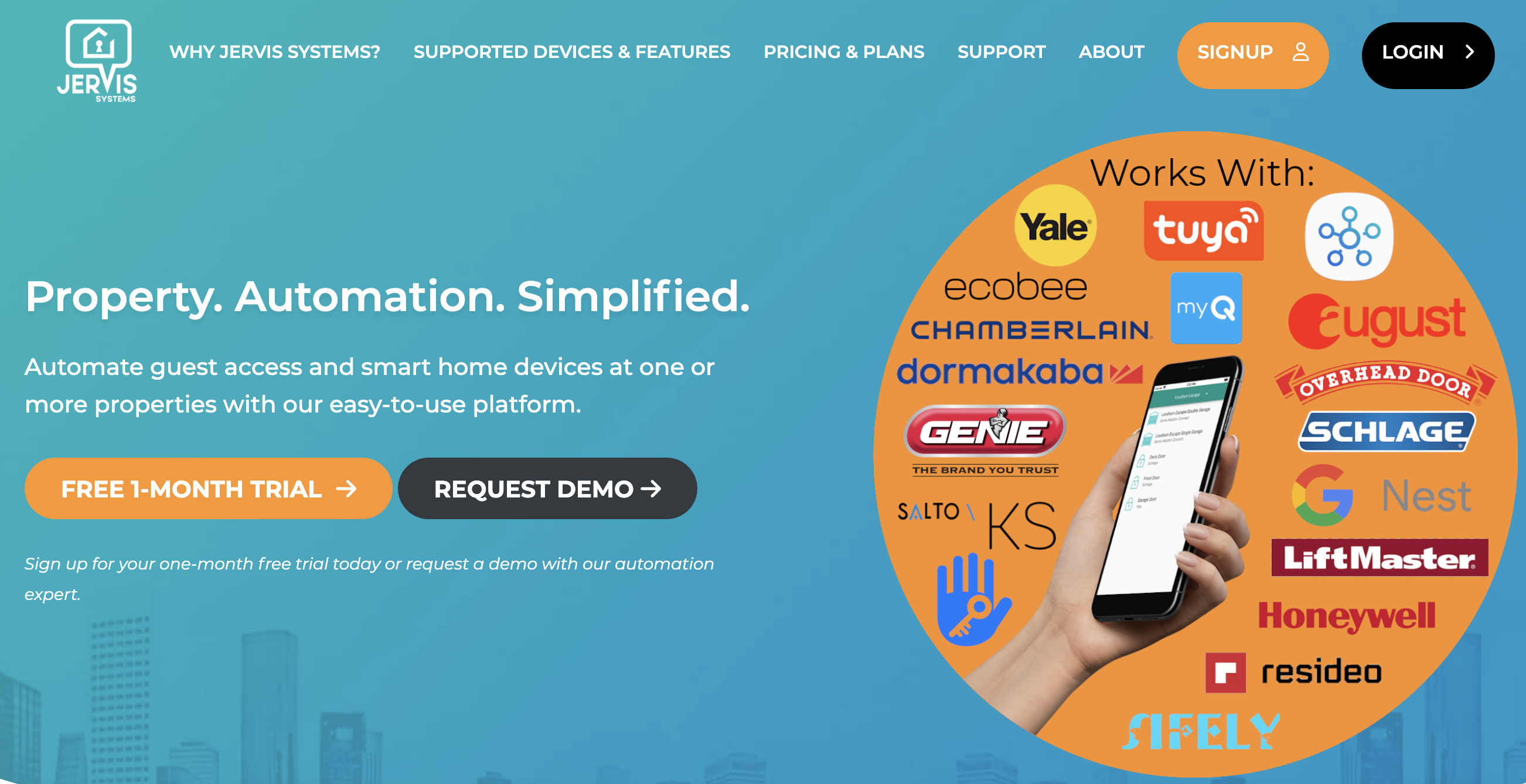
Jervis Systems focuses on secure and reliable smart lock solutions with remote code management, guest entry monitoring, and instant notifications for unauthorized access attempts.
Third-party platforms work well, and many professional managers use them. The tradeoff: you are adding another vendor, another login, another subscription, and another relationship to manage. If the integration between the platform and your PMS breaks, you are troubleshooting across two systems instead of one.
Path 2: Built-in PMS device management
The alternative is a PMS that handles smart device management directly inside the platform. No middleware. Codes are generated from reservation data in the same system where you manage bookings, messaging, and operations. This is the approach Hostfully takes with Hostfully Devices, and several other PMS platforms have introduced their own versions.
The advantage of the built-in path: fewer tools, points of failure, and one vendor relationship instead of two. The tradeoff is that you are limited to whatever lock brands and device types your PMS supports natively.
For most professional managers, the question comes down to whether the built-in option supports their hardware and covers their needs. If it does, the operational simplicity of one fewer integration is hard to beat.
Real-world example: NexAero (14 properties, Arizona and California)
After switching to Hostfully Devices, Mike and Tammy Louderback auto-generate unique PIN codes for each booking (even during outages), receive battery alerts before failures, and manage smart locks, thermostats, and lighting from one centralized dashboard. The result: a 25% reduction in energy costs and no more guest complaints about access or temperature. As Mike put it: “It’s not just what you can do with Hostfully Devices, it’s how you can build guardrails into a broader ecosystem.” Read the full story.
Which property management platforms have built-in smart device management?
Most property management platforms offer some form of smart lock integration, but there is a meaningful difference between connecting to a third-party lock app and having a built-in smart device management layer inside your PMS.
All of the major platforms in this space white-label their device management. The differences show up in what devices they support beyond locks, what they charge, and how reliable the integration is in daily operations.
| PMS | Built-in device manager | Device types supported | Pricing | Notes |
|---|---|---|---|---|
| Hostfully | Yes | All smart devices (Smart locks, thermostats, noise sensors, lights) | $6/month per device | 250+ devices supported |
| Guesty | Yes | Smart locks only | $8/month per device | Smart locks only |
| Hostaway | Yes | Smart locks only | $8/month per device | Smart locks only |
| Hospitable | No | Smart locks, or devices depending on third-party integration | Third-party dependent | Not native to PMS, requires integration |
| Lodgify | Yes | Smart locks only | $7/month per device | Trustpilot reviews mention issues |
The reliability gap is also worth noting. If your PMS device integration has known bugs or connectivity issues, you are trading one manual problem (codes) for another (troubleshooting the integration). Ask any vendor for their uptime data and check community forums before committing.
Questions to ask when evaluating a PMS with built-in smart device management
If you are comparing PMS platforms or considering a switch, these are the questions that separate marketing claims from operational reality. Use them in vendor demos or check whether the answers are clear on the platform’s documentation and pricing pages.
| Question to ask | Why it matters |
|---|---|
| Does device management live inside the PMS or through a third-party integration? | Fewer tools usually means fewer failure points |
| Which lock brands are supported? | Hardware compatibility determines rollout feasibility |
| Are codes generated from reservations automatically? | This is the core automation value |
| Are staff and vendor codes managed separately? | Guest access and operations access need different rules |
| What happens during WiFi outages? | Guests still need entry |
| How are battery alerts handled? | Dead batteries cause lockouts |
| Is pricing per device, per property, or bundled? | Costs scale differently by portfolio size |
Are smart locks safe for vacation rentals?
Yes, when configured properly. Smart locks are more secure than alternatives for vacation rentals, specifically because they address the industry’s biggest access security problem: codes that never change. A unique code per reservation means a previous guest cannot reuse their code after checkout. Automatic expiration windows close access at a defined time. Audit logs record every entry event, so if something goes wrong, you have a record of who entered and when. Staff access can be managed on separate codes with separate schedules, so cleaners and maintenance workers do not share guest access.
Smart locks become a security risk when managers use them like lockboxes: one permanent code for every guest, expiration, or audit trail. The technology is only as secure as the workflow around it.
Practical guidelines: never leave a permanent universal code active and unmanaged. Always set code expiration. Use role-based codes for staff. Keep a physical backup entry method for battery failure scenarios. And include battery checks in your turnover operations so a dead lock does not become a security gap.
When smart locks may not be the right fit
Smart locks are the right call for most vacation rental operations. But not every property or situation is a good match. Being honest about the tradeoffs prevents expensive mistakes and sets better expectations.
Unreliable WiFi with no offline fallback
If the property has spotty internet and the lock you are considering requires constant connectivity to function, you are setting up a lockout scenario. Some locks (like Igloohome) handle this better with algorithm-based codes that do not need real-time connectivity. But if you cannot guarantee either reliable WiFi or a lock with strong offline capability, a basic keypad lock with manual code changes may be more dependable.
HOA or building restrictions
Some condo associations and apartment buildings prohibit exterior hardware changes. Retrofit locks (August, SwitchBot) solve this in some cases, but not all HOAs allow even interior modifications to entry hardware. Check building rules before purchasing.
Unusual doors or gate configurations
Most smart locks are designed for standard deadbolt doors. Properties with sliding doors, European mortise locks, multi-point locking systems, or gate-only access may not have compatible smart lock options without custom hardware work. Verify compatibility with your specific door type before committing.
Extreme weather exposure
Smart locks rated for residential use may not survive extended exposure to heavy rain, salt air, extreme heat, or freezing temperatures. If the lock is on an exterior-facing door with no overhang or protection, check the manufacturer’s weather rating and consider a weather-resistant cover or a more rugged lock model.
Luxury or high-touch check-in models
Some vacation rental brands differentiate on a concierge-style arrival experience: a personal greeting, a property walkthrough, a bottle of wine waiting on the counter. For these operations, a smart lock removes a touchpoint that the brand considers valuable. Self check-in is not inherently better than a managed arrival; it depends on the guest experience you are selling.
Operators unwilling to maintain the system
Smart locks are not set-and-forget. Batteries need checking. Firmware needs updating. WiFi needs to stay connected. Integration software needs monitoring. If nobody on the team is willing to own the maintenance cycle, the lock will eventually fail at the worst possible moment. A reliable keypad lock with manual code changes may be the better choice for operators who want low-maintenance hardware over automation.
How do you choose the right smart lock setup for your operation?
The right setup depends on where you are in your business. A solo host with two properties has different needs than a property manager running 40 units across three markets. Here is a decision framework by operator type.
Solo host (1 to 5 properties)
You need a reliable keypad lock with an easy app, the ability to change codes remotely, and a physical backup key. At this scale, full PMS integration is helpful but not critical. Focus on a lock that is easy to install, easy for guests, and reliable enough that you do not get midnight calls.
Growing manager (5 to 20 properties)
This is where manual code management starts to break. You need unique guest codes, team access for cleaners and vendors, multi-property consistency, and integration with your PMS or an automation platform. The tipping point most operators describe is somewhere between 8 and 15 properties: the point where “I’ll just send the code myself” stops being sustainable.
Professional property manager (20+ properties)
You need centralized smart device management, reservation-based automation across all booking channels, reporting and audit logs, operational workflows for staff access, and support for adding new properties without rebuilding the access system each time. At this scale, the question is not “which lock should I buy?” It is “which system connects my locks to my reservations with the least manual work?”
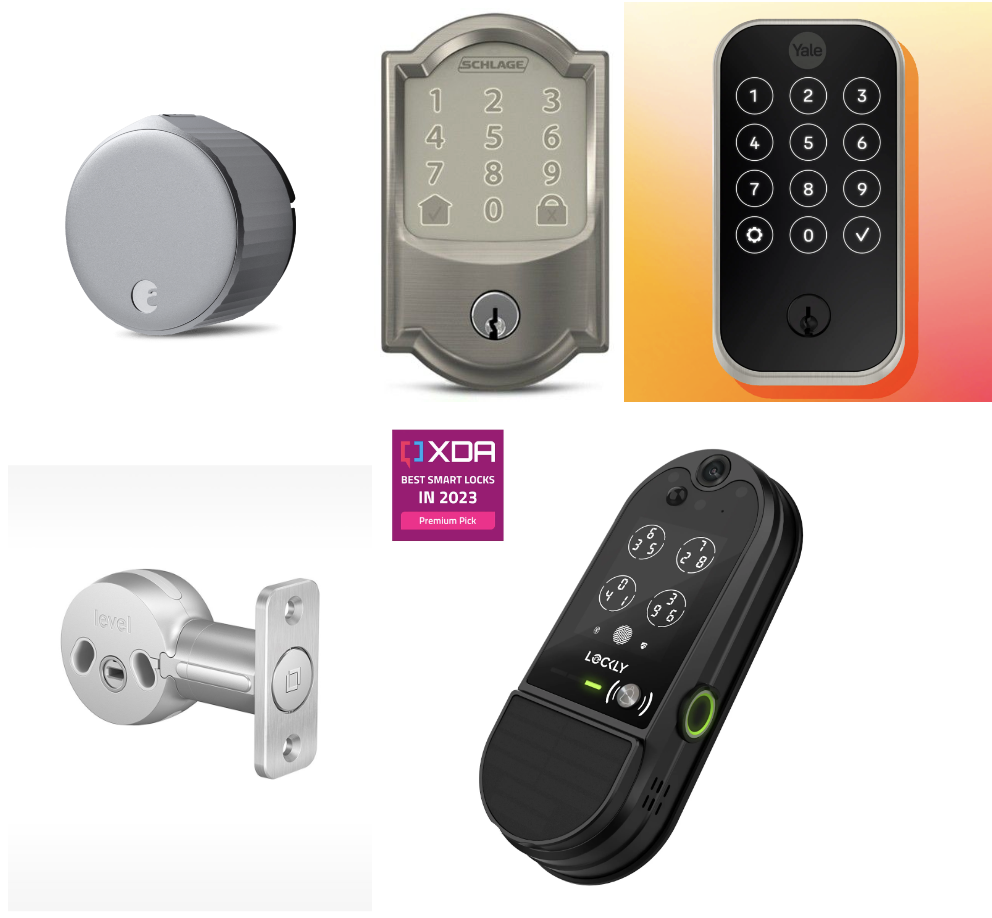
Popular smart lock options on the market, including models that integrate with existing deadbolts and smartphone apps.
Frequently asked questions about vacation rental smart locks
What is the best smart lock for a vacation rental?
The best smart lock for a vacation rental supports keypad entry, unique codes per reservation, scheduled access windows, automatic code expiration, battery alerts, and integration with your property management software. For professional managers, software compatibility is usually more important than the lock brand itself.
Are smart locks worth it for Airbnb or vacation rentals?
Yes. Smart locks simplify self check-in, eliminate key handoffs, improve access control after checkout, and reduce the number of guest messages about entry. The return on investment increases with each additional property because the time savings compound.
How does Airbnb self-check-in with a smart lock work?
In an automated setup, a unique code is generated when the reservation is created, shared with the guest before arrival through automated messaging, activated at check-in time, and expired after checkout. The guest enters the code at the door and the process requires no manual intervention from the host.
What is the difference between a lockbox and a smart lock?
A lockbox stores a physical key behind a shared combination code. A smart lock controls the door electronically and can support unique codes, remote management, access logs, and automation. Lockboxes are cheaper but require manual code updates and do not expire access after a guest’s stay ends.
Can vacation rental smart lock codes be automated?
Yes. With a compatible smart lock and property management software, guest codes can be generated, scheduled, shared through messaging, and expired automatically based on reservation check-in and checkout times.
Do smart locks work without WiFi?
Many smart locks can still accept keypad codes when WiFi is down because the codes are stored locally on the lock. However, remote code updates and real-time syncing require connectivity. Choose locks with reliable offline access so guests are never locked out during an internet outage.
What happens if the smart lock battery dies?
Most smart locks provide low-battery alerts well before failure and have backup options such as a physical key slot, an emergency power contact point, or an alternative entry process. Include battery checks in your turnover operations to prevent dead-lock emergencies.
Are smart locks secure for vacation rentals?
Smart locks are more secure than shared-code lockboxes when each guest receives a unique code, codes expire after checkout, and staff access is managed on separate credentials. They become less secure when managers skip expiration settings or use one shared code for every reservation.
Key takeaways
- The real value of a vacation rental smart lock is not the hardware. It is whether the lock connects to your PMS and runs access codes from reservation data without you touching them.
- If your smart lock automation only works for one booking channel, you are still managing codes manually for every other source. Cross-channel consistency is the baseline for professional operations.
- Choose software compatibility before choosing hardware. The most common and most expensive mistake is buying locks that do not connect to your PMS.
- Manual code management breaks somewhere between 8 and 15 properties. The longer you wait to automate, the more midnight calls, security gaps, and turnover mistakes you absorb.
- Smart locks are not always the right fit. Unreliable WiFi, HOA restrictions, unusual door types, and high-touch check-in models are all valid reasons to choose a different path.