
Your Mid-Season Revenue Rescue Guide
12 Actionable Fixes to Fill Your Summer Calendar
We're approaching the middle of high season, and one of your properties isn't performing the way it should. The rest of your portfolio is doing fine, but that one listing with a stretch of empty nights and a homeowner asking too many questions is keeping you up at night. This guide is there to help you with that: 12 diagnostics and fixes you can implement quickly to get that listing back on track.
How to use this guide
Start with the property that needs attention. Find the symptom that matches what you're seeing, then run the fix that fits. Some of these fixes are small. That's the point. When just part of the calendar is soft, you don't need a grand new strategy. You need a quick fix.
Price empty blocks like they're perishable
Break the glass when: your next two weeks are under 60% booked, and the clock is running.
Effort: LowSpeed: <1 hr/day
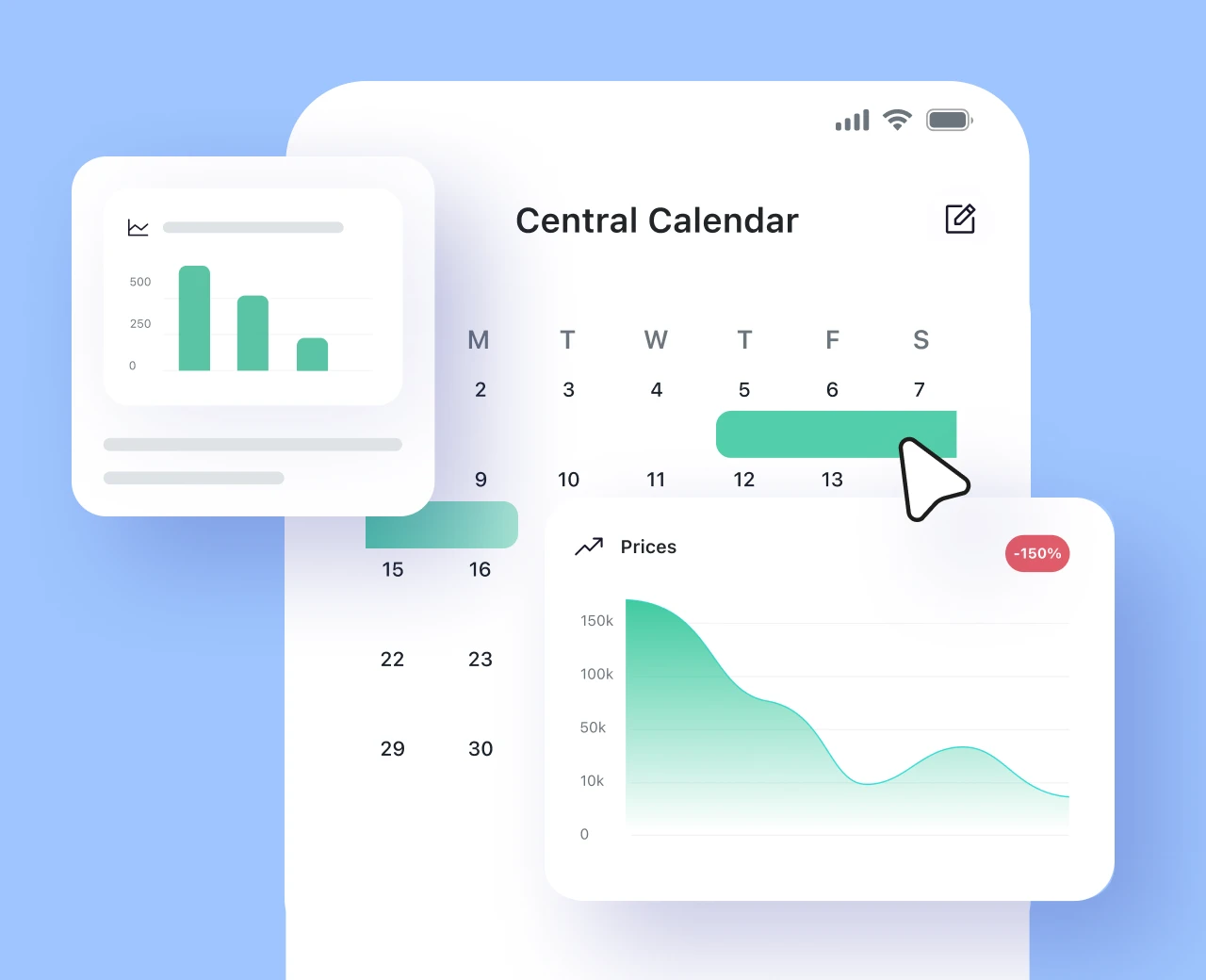
Price empty blocks like they're perishable
Break the glass when: your next two weeks are under 60% booked, and the clock is running.
Holding out for your ideal rate can make sense when the stay date is still far enough away. But when a date is close and demand isn't showing up, the question changes.
At that point, the goal isn't to protect the rate. The goal is to avoid a zero.
Open your PMS calendar and look at your next 14 days. Discount on a ladder, going deeper as the date approaches, then let your rates hold firm further out, where you still have time. Here's a starting ladder to tune to your own market:
| Days until the empty night | Suggested discount off your standard rate |
|---|---|
| 14+ days out | Hold your rate, watch the booking pace |
| 8 to 14 days out | 5% to 10% |
| 4 to 7 days out | 10% to 20% |
| 1 to 3 days out | 20% to 30% or more |
What to look for
A date inside 7 days with zero inquiries, a weekend still open while the rest of the month fills, or a property that's consistently the last to book in its area. Those are dates to review now, not at the last minute.
Hunt down your orphan nights
Break the glass when: your calendar is dotted with awkward 1 and 2-night gaps between bookings.
Effort: LowSpeed: Under 1 hr
Hunt down your orphan nights
Break the glass when: your calendar is dotted with awkward 1 and 2-night gaps between bookings.
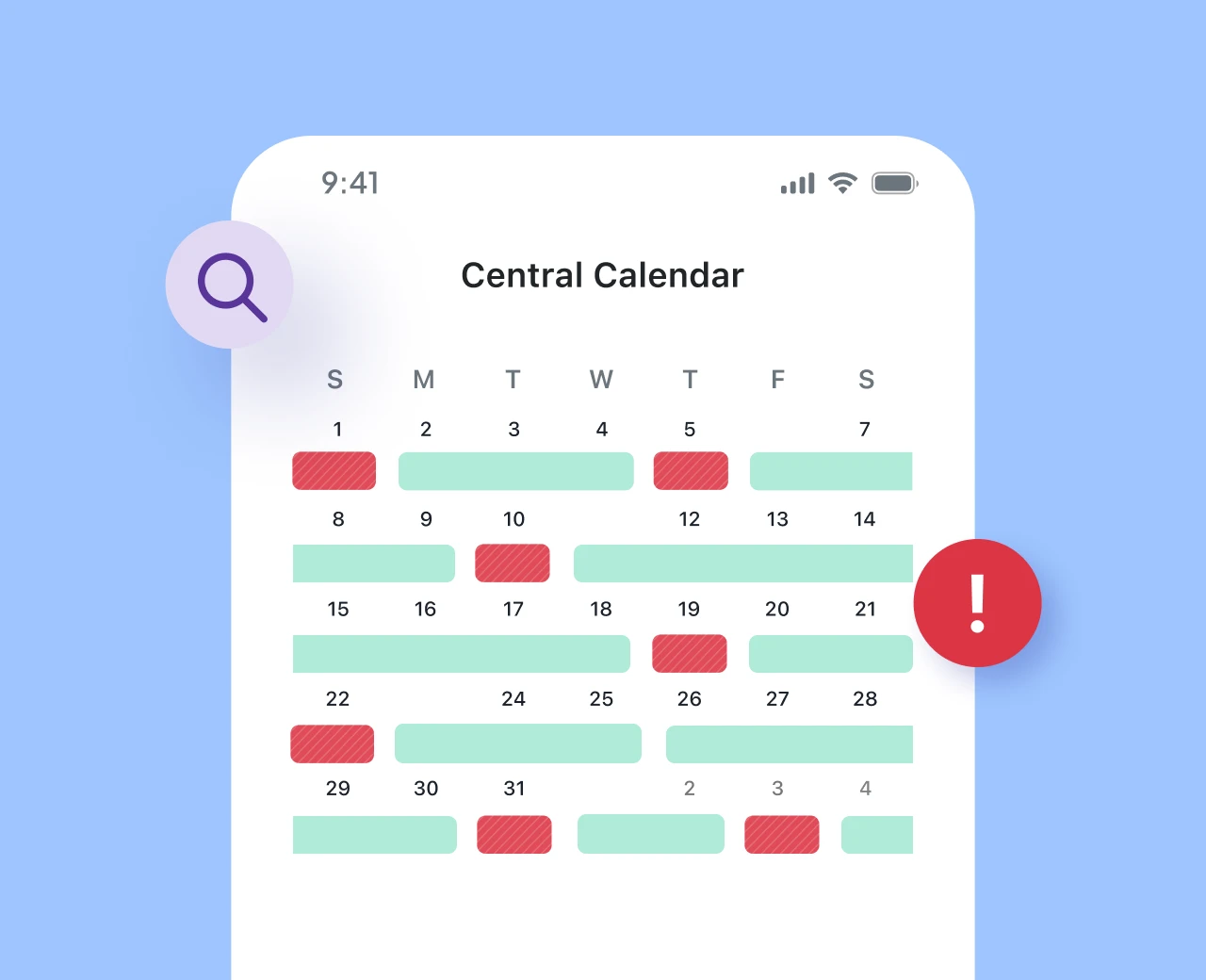
Those single nights stranded between two reservations are easy to miss. The calendar can still look healthy overall, but those small holes often don't do much for you unless you make them bookable.
Open your PMS calendar view and find every gap shorter than your minimum stay over the next 30 days. Drop your minimum to one night only for those gap dates. Either in your calendar or in your dynamic pricing app, add a small premium for short stays, since a one-nighter can require the same cleaning and turnover effort as a longer stay.
Depending on your tech stack, make sure to set that change to expire so your minimums snap back and you don't invite short stays into the next booking window's wide-open dates.
What to look for
Scan for the pattern of "booked, one night open, booked." A guest checking out Saturday and the next arriving Monday leaves Sunday stranded. Those are your targets.
Make your prices react to time, not just the season
Break the glass when: you set your summer rates back in spring and haven't touched them since.
Effort: MediumSpeed: 1 to 2 hrs
Make your prices react to time, not just the season
Break the glass when: you set your summer rates back in spring and haven't touched them since.
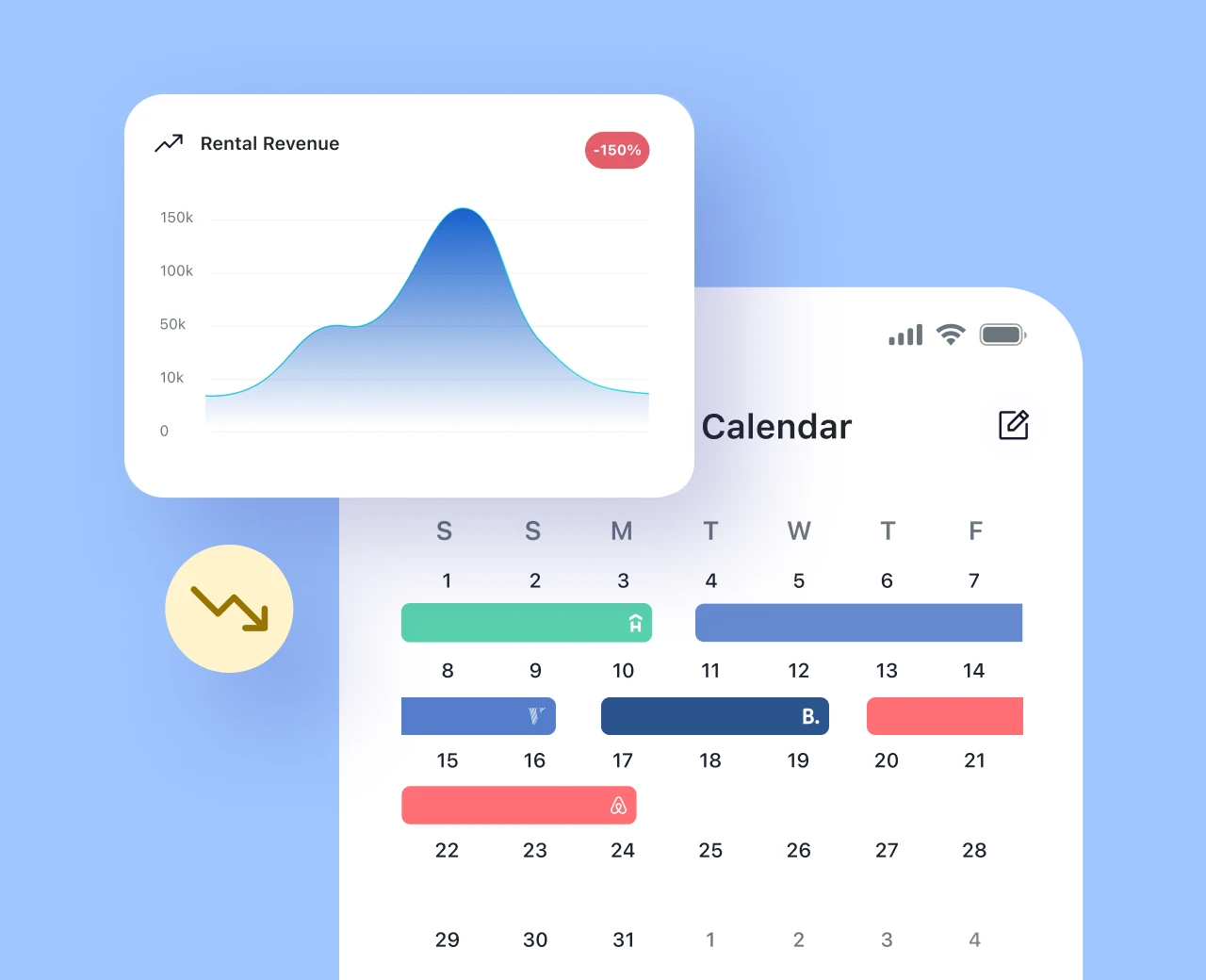
Pricing isn't a one-time spring task. Summer demand moves, local competition changes, and the booking pace for each property tells you something useful. Two levers are especially helpful when you're trying to rescue specific dates: lead time and length of stay.
For lead time, build a simple decay. The fewer days until a date, the more flexible the rate becomes if it's still empty. A last-minute traveler shopping tonight isn't the same buyer as someone planning three months out.
For length of stay, make your per-night rate drop as the stay gets longer. If a guest can fill a 5-night gap instead of grabbing 2 nights, it may be worth rewarding that with a better nightly rate.
Implementing price decay and length-of-stay discounts may be harder to do manually. Consider using dynamic pricing software.
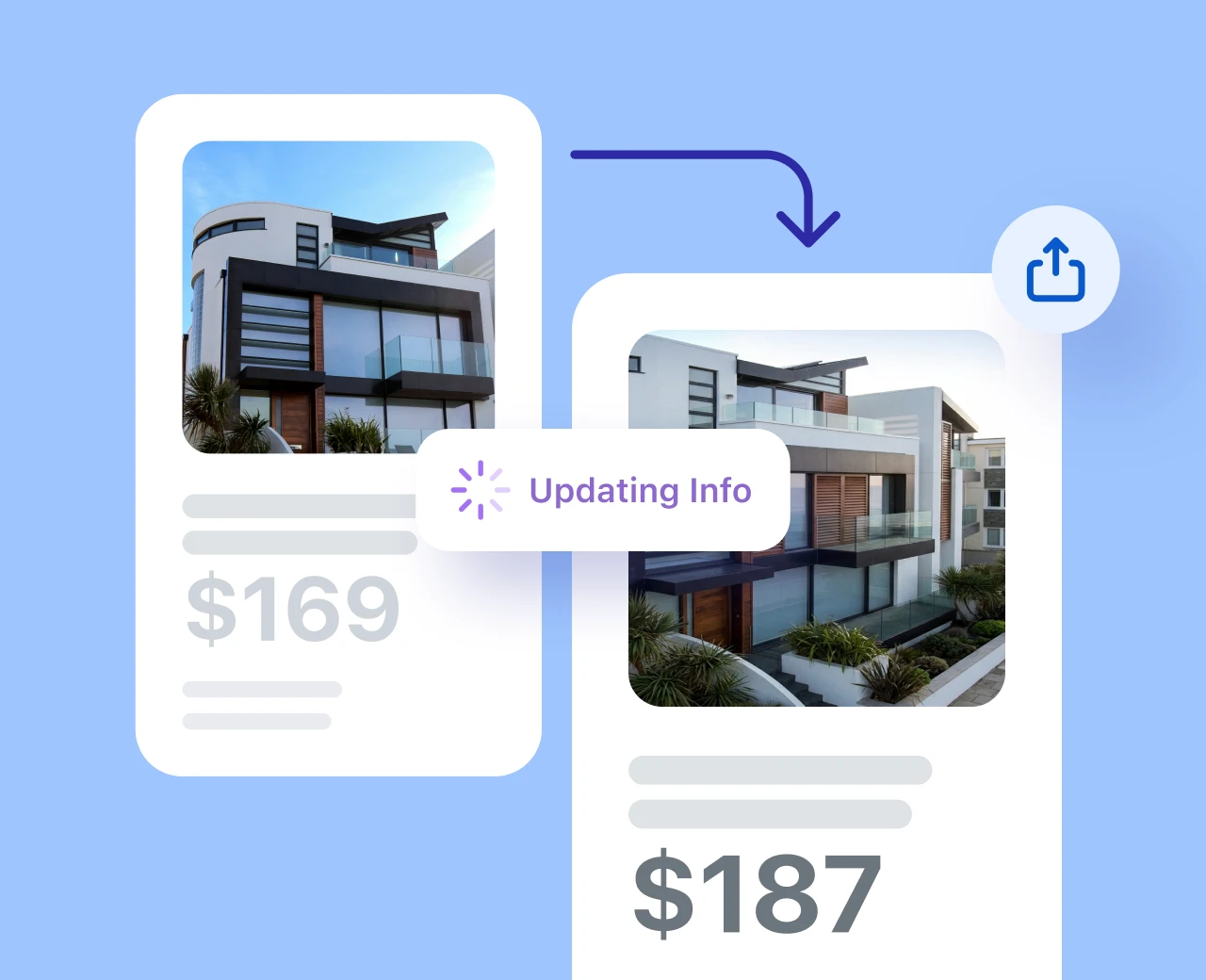
Refresh the listing so it feels active and relevant
Break the glass when: the listing has low views but still converts, or it's slipped off the first page of search.
Effort: LowSpeed: 1 hr
Refresh the listing so it feels active and relevant
Break the glass when: the listing has low views but still converts, or it's slipped off the first page of search.
A stale listing and missed amenities can make a visibility problem look like a demand problem. Unchecked amenities are usually the main culprit, especially in larger portfolios where onboarding a new property involves multiple employees. But even small updates to a description can help your listing feel more relevant to both guests and the platforms where they're searching.
You don't need to rewrite everything. Start with the parts that influence visibility and first impressions.
What to look for
- Most important and often overlooked: all amenities relevant to the listing are checked and updated across the OTAs
- A title that matches what summer travelers are likely searching for, not just your property name
- The first two lines of description make the stay easy to understand
- A complete amenities list, since filters can quietly hide listings when details are missing
- Instant-book and flexible options turned on, at least for slow dates where appropriate
- Recent reviews are surfaced and responded to
Shoot new photos this week
Break the glass when: your views are fine but conversion is weak — people are looking and leaving.
Effort: MediumSpeed: 4 hrs
Shoot new photos this week
Break the glass when: your views are fine but conversion is weak — people are looking and leaving.
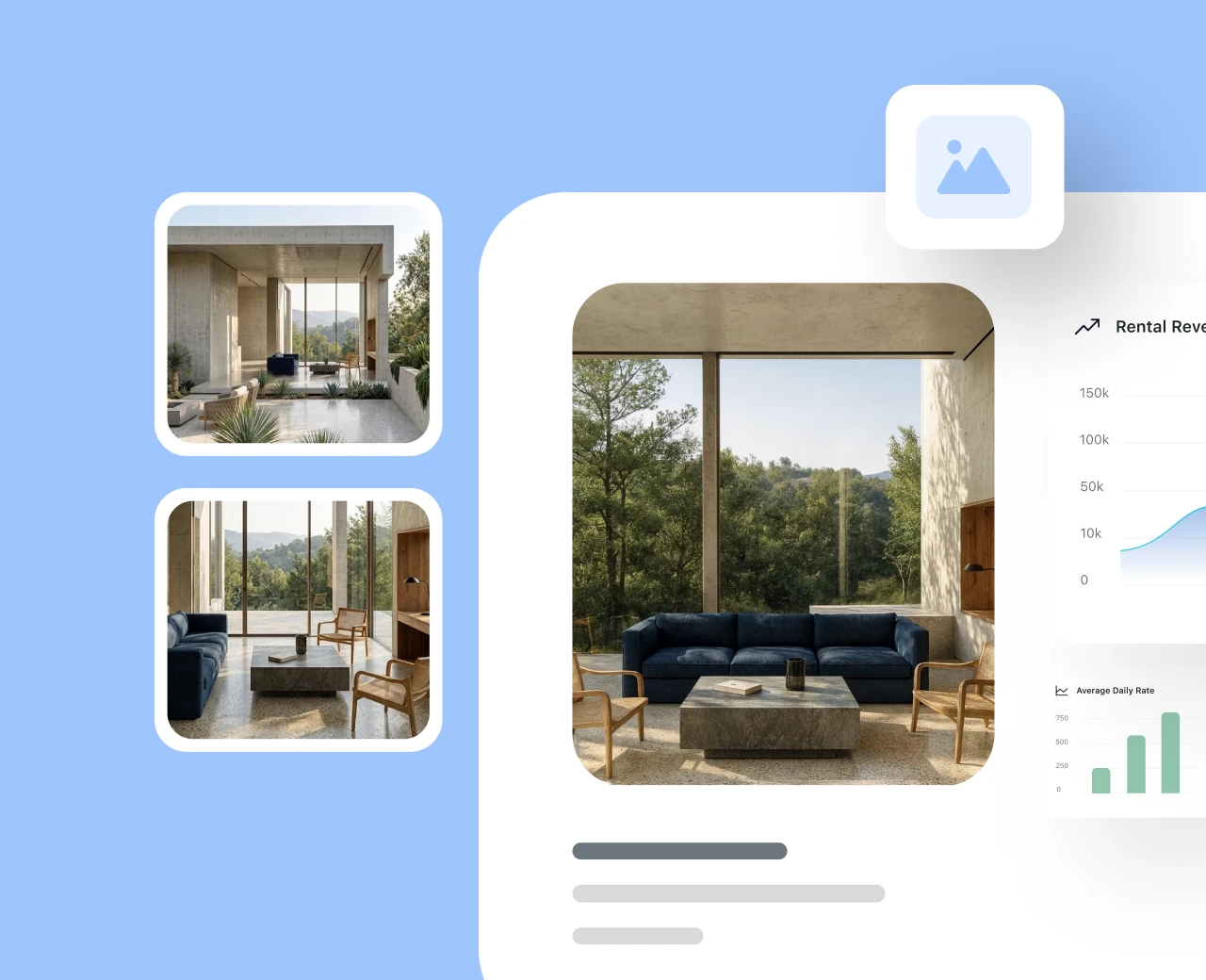
Photos do a lot of work, especially the main one (often called the hero). They're the difference between a tap and a scroll. If yours are dim, cluttered, seasonal in the wrong way, or outdated, guests may never get to the rest of the listing.
For DIYers: you don't always need a full production. You need a bright, sharp, welcoming first image and a handful of fresh supporting shots. Spend an hour on YouTube looking at free photography courses for Airbnb and vacation rentals, and put it in practice at the property.
For property managers: book your photographer for the first clean window after the next checkout. The photographer will want to shoot during a sunny morning with the lights on and the blinds open. If your photographer offers, pay for the 20 to 30 seconds of simple walk-through video.
When that's done, swap your weakest photos for the stronger ones.
What to look for in your hero shot
Natural light, a clear focal point, no clutter, and the single most appealing thing about the property front and center.
Get listed on Google Vacation Rentals
Break the glass when: OTA metrics are flat, you can capture direct bookings, but you've no time for SEO.
Effort: MediumSpeed: ~1 day
Get listed on Google Vacation Rentals
Break the glass when: OTA metrics are flat, you can capture direct bookings, but you've no time for SEO.
Guests already use Google to compare places to stay, and Google's lodging results put vacation rentals in the same search environment as hotels. That matters because this isn't another full OTA to manage. It's a visibility layer. Your rates, availability, photos, property details, and booking links flow through the integration, and the guest can move from Google to your direct booking path, commission-free.
If you're not there, you may be missing one of the biggest discovery surfaces available to travelers.
How to get listed on Google is still a question mark for some operators, but if your PMS supports the integration, the path is usually straightforward:
- Activate the Google Vacation Rentals integration in your channel manager.
- Make sure each property has a direct booking page with rates Google can read.
- Confirm rates, fees, taxes, and availability are accurate.
- Check that each Google booking link points to the correct property.
Don't expect a same-day fix. Turning on the integration is usually the easy part. The timeline depends on whether your listings are eligible, how complete your property data is, whether your booking links are set up correctly, and how long it takes Google to ingest and validate the feed.
In practice, this is a "start today, benefit later" fix. It's unlikely to fill tomorrow night. But if you've got summer gaps next month, it's worth getting into motion now.
What to check before you turn it on
- Each property has a complete direct booking page
- Each listing has its own unique booking link
- Rates and availability are accurate in your PMS or channel manager
- Photos are strong, current, and meet Google's quality expectations
- Property type, address, amenities, cancellation rules, fees, and taxes are filled out cleanly
- The booking flow works without confusing handoffs or mismatched pricing
List where the last-minute crowd is actually looking
Break the glass when: your usual channels are tapped out and you still have nights to fill.
Effort: MediumSpeed: 4 hrs
List where the last-minute crowd is actually looking
Break the glass when: your usual channels are tapped out and you still have nights to fill.
The big OTAs aren't the only places travelers search. Depending on your market, there may be niche or alternative channels that are better suited to last-minute stays, like Whimstay and GetawayGoGo.
Pick one or two alternative channels that fit your property and your market. Create your accounts on those channels and use your channel manager to sync with your calendar. Some last-minute discount channels may require you to push only the dates you're trying to fill.
What to look for when picking a channel
An audience that matches the gap you're trying to fill, a clean integration with your channel manager, and a fee structure that still makes sense on a discounted night.

Win back the guests who already know you
Break the glass when: you have a list of past guests and a calendar that needs filling.
Effort: ModerateSpeed: 4 to 8 hrs
Win back the guests who already know you
Break the glass when: you have a list of past guests and a calendar that needs filling.
Past guests are often your easiest audience to reach. They already know the property, the experience, and your brand. If you have a usable guest list, it's worth activating before spending more to reach cold travelers.
Pull everyone who has stayed in the last two years and send a short, human note. Not a glossy campaign. Just a friendly message to let them know you have a few summer dates open and would be happy to host them again.
Add a small returning-guest perk to make it easy to say yes. If you have permission to text them, a short text may work well. If not, email is still worth sending. Point them to a direct booking link so the booking happens on your terms.
Offer guests the empty nights around their stay
Break the glass when: you have orphan nights you still can't fill despite your best pricing efforts.
Effort: LowSpeed: 20 min/listing
Offer guests the empty nights around their stay
Break the glass when: you have orphan nights you still can't fill despite your best pricing efforts.
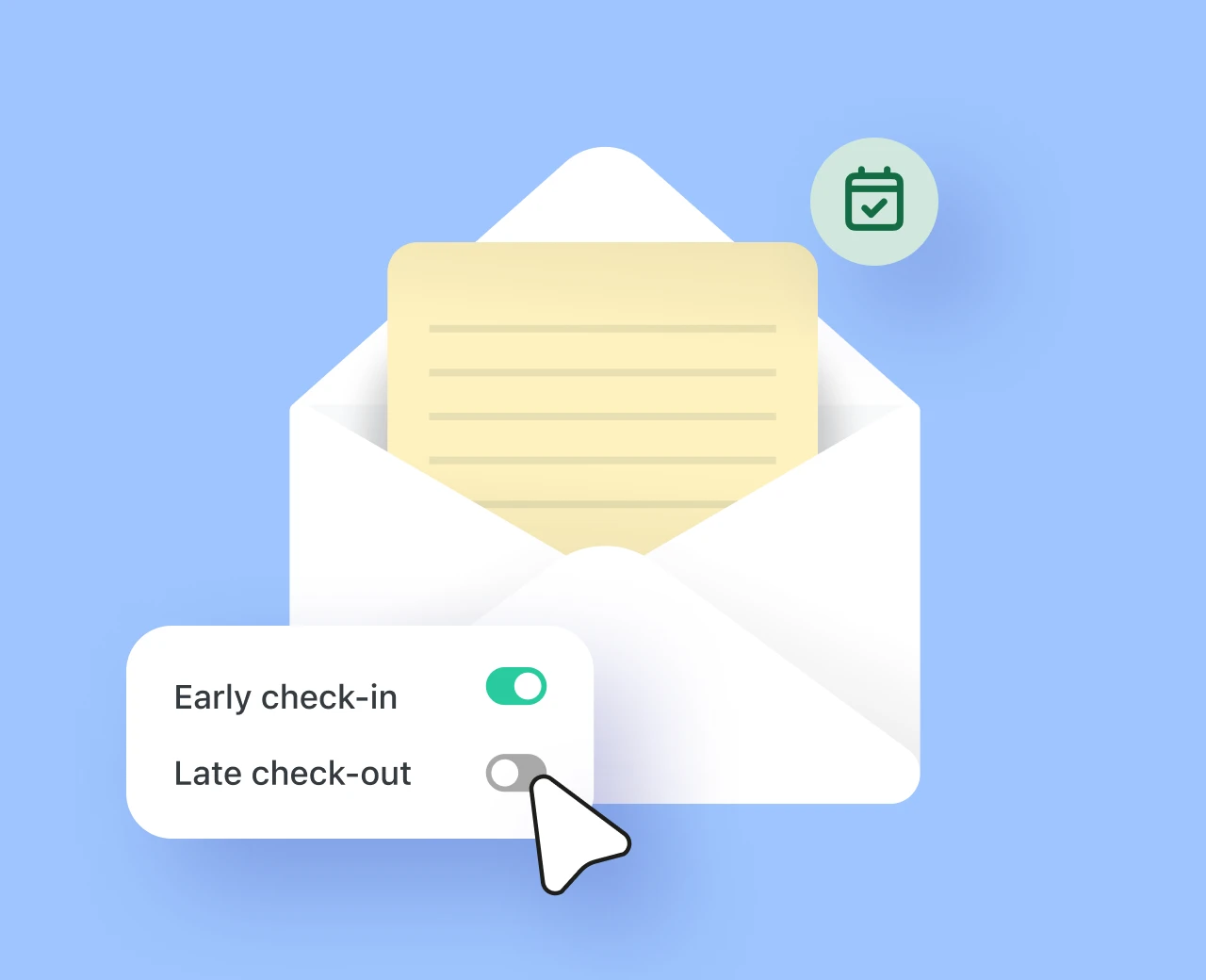
If a guest is already coming, they're your best shot at filling the nights around their stay. They've already chosen the property and have the trip on their calendar. The only limitation is whether they have flexibility around arrival or departure. The only way to find out is to ask. At this point, they're a much warmer audience than a new guest searching from scratch.
Offer the extra night at a deep discount. The closer the stay gets, the more aggressive the discount can be. You're not protecting the full nightly rate here. You're trying to turn a night that may sit empty into extra revenue.
For the guest, it feels like a perk: arrive early, leave later, stretch the trip, avoid a rushed checkout. For you and the homeowner, it's found revenue on a night that was unlikely to do much on its own.
What to look for
- Orphan nights
- Two-night gaps that haven't moved or generated inquiries
- Guests with longer stays, flexible travel patterns, or drive-market bookings
- Properties where the extra night doesn't create cleaning or operations issues
Send the offer far enough in advance that the guest can adjust travel plans, but close enough that you're confident the night won't book at full price. You'll need to figure out your booking window, which varies by property and portfolio.
A simple message works:
You can do the same for the night after checkout:
This works because the guest is already committed. You're not trying to create a new booking from scratch. You're making an existing booking slightly bigger.
Add upsells that guests actually want
Break the glass when: your calendar is moving, but your internal revenue per booking is flat.
Effort: LowSpeed: 2 to 3 days
Add upsells that guests actually want
Break the glass when: your calendar is moving, but your internal revenue per booking is flat.
This fix usually won't help the homeowner directly. It won't fill an empty night, increase owner occupancy, or make a weak listing suddenly perform better. It's more of an operator-margin fix.
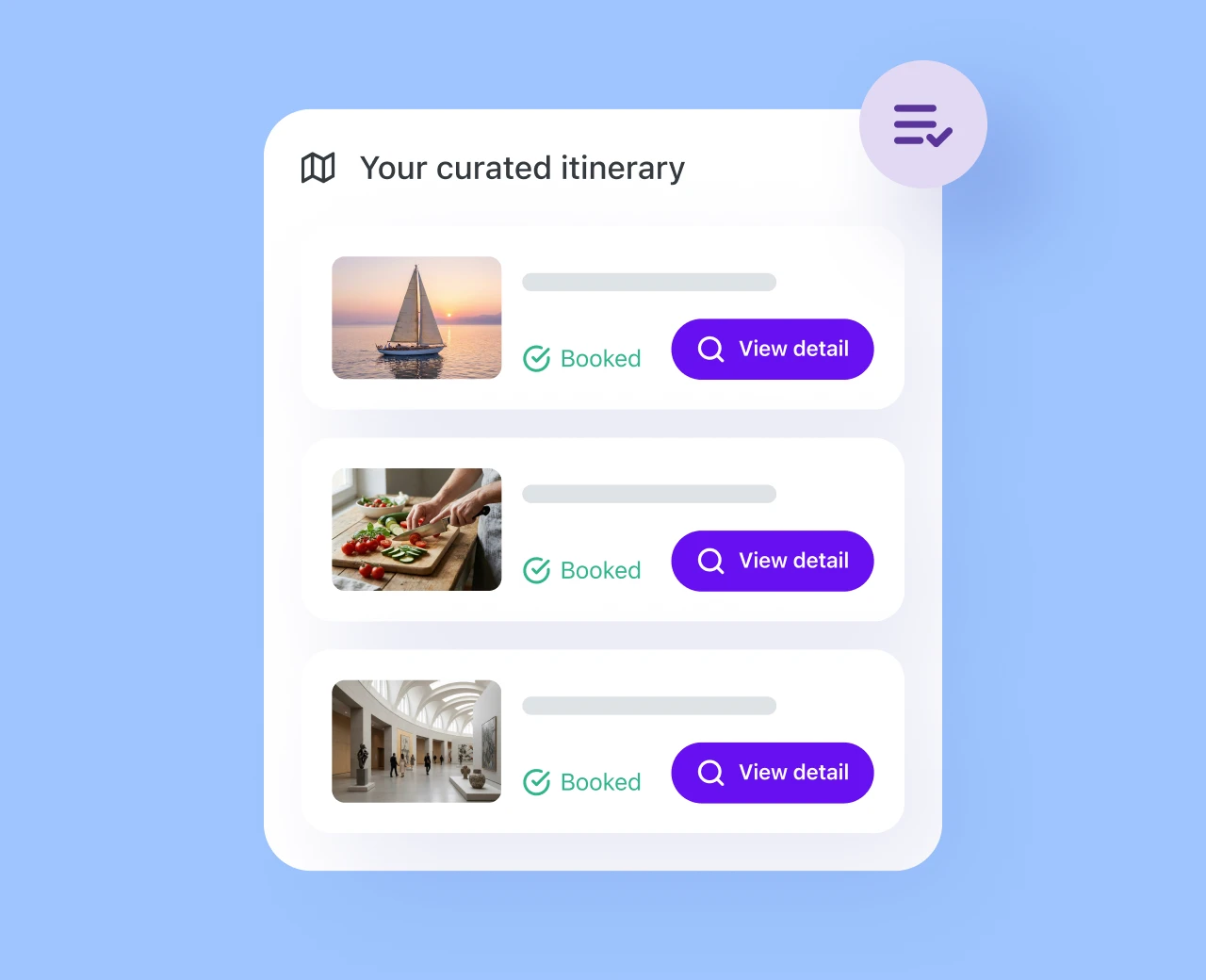
However, if you manage upsells separately from rent, the right add-ons can help your business earn more from bookings that are already happening. You're not changing the nightly rate. Instead, you're giving guests the option to pay for useful extras that make their stay easier, smoother, or more comfortable.
The key to upsells is to keep the menu short and operationally realistic. Surface it after they book, when they're planning the trip and thinking through arrival, comfort, and convenience.
Here are simple options to test:
| Add-on | Suggested starting point | Why guests say yes |
|---|---|---|
| Early check-in / late checkout | Price based on operational impact | Travel schedules rarely match 4pm and 11am |
| Mid-stay clean | Price based on cleaner cost and margin | Helpful for longer stays |
| Arrival grocery or fridge stock | Service fee plus cost | One less errand after a long trip |
| Pet fee | Price based on policy and property type | Lets pet owners book with confidence |
| Extra parking spot | Price based on local scarcity | Valuable in dense or event-heavy markets |
Keep the menu short so it feels helpful, not like a checkout-line shakedown. The best upsells make the stay smoother and are easy for your team to fulfill.
Put the long-gap property on Furnished Finder
Break the glass when: one property has a 2 to 4-week gap, or longer, that short-stay demand won't fill.
Effort: MediumSpeed: Weeks
Put the long-gap property on Furnished Finder
Break the glass when: one property has a 2 to 4-week gap, or longer, that short-stay demand won't fill.
This isn't a portfolio-wide move. Pick the property with the biggest upcoming hole in the calendar and treat it like a mid-term rental candidate.
Furnished Finder is built for guests looking for furnished monthly housing: traveling nurses, relocating families, remote workers, insurance guests, and people between homes. If your property has practical amenities like reliable WiFi, laundry access, a real kitchen, parking, and proximity to hospitals, universities, business districts, or major employers, it may be a fit.
The setup may not be as clean as turning on a normal OTA. If your PMS or channel manager doesn't support Furnished Finder directly, you can still run it with a careful manual workflow: use iCal where available, block dates manually, and set up an email rule, Zapier automation, or inbox workflow so every Furnished Finder inquiry gets flagged.
Just don't treat it like instant booking. Every inquiry should be checked against your calendar before you quote or hold dates.
What to look for
- One property with a 2 to 4-week gap, or longer
- A gap that hasn't moved after pricing and listing updates
- A property with WiFi, laundry, kitchen, parking, and practical work/living space
- A location near hospitals, universities, business districts, major employers, or relocation demand
- A team member who can manually check availability before responding
Add damage protection so you can say yes faster
Break the glass when: you're getting inquiries, but approval friction is slowing conversion.
Effort: MediumSpeed: Instant
Add damage protection so you can say yes faster
Break the glass when: you're getting inquiries, but approval friction is slowing conversion.
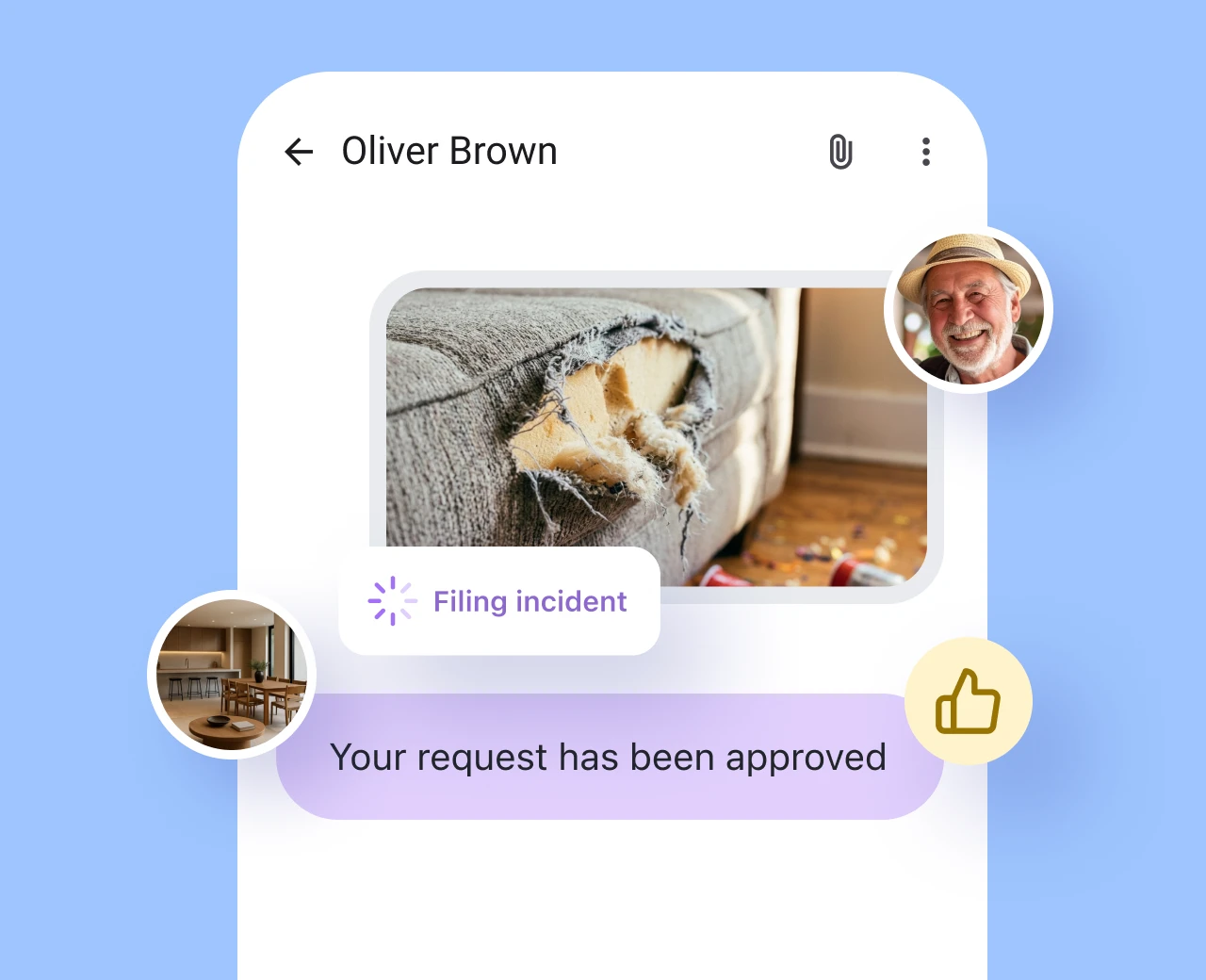
Sometimes the blocker isn't visibility, price, or demand. It's risk management, especially on larger teams where approvals can slow down.
The guest wants to book, but a team member is nervous approving the request on the spot. By the time checks are done or a follow-up is sent, that lead booked with a competitor.
This is where per-night booking protection can help. Consider turning on damage protection through your PMS or a provider like Truvi. If you manage larger portfolios, per-night STR insurance from a provider like Safely is a good alternative. These tools typically combine guest screening, risk assessment, and either damage protection or insurance.
The point isn't to lower your standards. It's to set up a safety net that gives your team the confidence to move faster on conversions.
What to look for
- A property where the homeowner is especially risk-sensitive
- Inquiries that stall because of approval hesitation
- Good-fit guests who need a faster yes
- High-value gap nights where a little extra protection could unlock the booking
- Properties where deposits or manual screening are slowing conversion
Try widening the symptom area or clearing a toggle.
You have options
These fixes work. But they work better when your platform does the heavy lifting for you. Hostfully is designed to do just that: handle the automation while you can focus on your growth strategy.
See how Hostfully operators keep their calendars fullFree guide
Ready to break the glass?
Browse the 12 tactics now, we'll also email you the full kit so you have it on hand any time.
No spam. We'll send the guide plus the occasional revenue tip. Unsubscribe anytime.